
Evergreen - Retro
AI Polaroid Photo
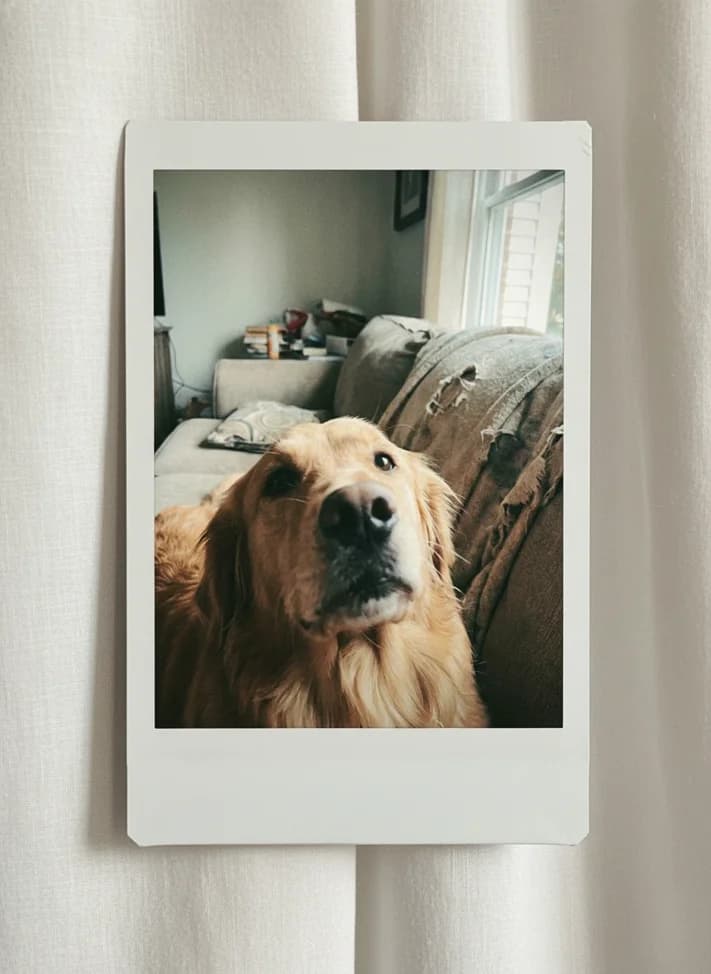
Create a nostalgic instant-camera style image with soft flash, warm grain, and a physical-photo feel. Use the Magiq template instead of copying prompts from comment threads.

Generations use Magiq credits. New users receive limited starter credits; current plans and offers are shown in the app.
Actual template result
Curtain Polaroid

How to make it in Magiq
- 1Pick the AI Polaroid Photo template.
- 2Upload a portrait, couple photo, or candid image.
- 3Generate the vintage instant-camera edit.
- 4Export and post as a story, carousel, or profile update.
Input photo tips
- Casual candid photos fit this style better than studio shots.
- Warm indoor lighting often produces the most believable result.
- Keep text overlays out of the generated image; add captions in the social app.
FAQ
Questions before you generate
Does Magiq add a real frame?
The template can create an instant-photo style frame and vintage look, but the output is AI-generated.
Is this good for couple photos?
Yes. It works well for couples, friends, and nostalgic memory-style edits.
Guides
Get better results with this template
Template tutorial
How to Make an AI Yearbook Photo
A practical guide to AI yearbook photos: which selfie works, how to choose a 90s-inspired look, what to inspect, and how to share it clearly.
Social guide
A Practical Workflow for Viral AI Photo Posts
The practical content workflow behind the templates: choose the trend, generate clean variants, and post in a format people understand quickly.
Related templates